




Membership websites allow marketers, bloggers, and businesses to restrict content, create subscription-based membership levels, build forums, and even incorporate a paywall. You’ll need a good membership plugin to build a successful membership website.
In this post, we’ll explore some of the best WordPress membership plugins, both free and paid, so you can decide which one is right for you.
The Best WordPress Membership Plugins
We have listed popular plugins with good features for any membership website. Our suggestions are mostly paid options that give you more value, with a few free options for those who don’t need as much power.
1. MemberPress
🥇 Best Membership Plugin Overall
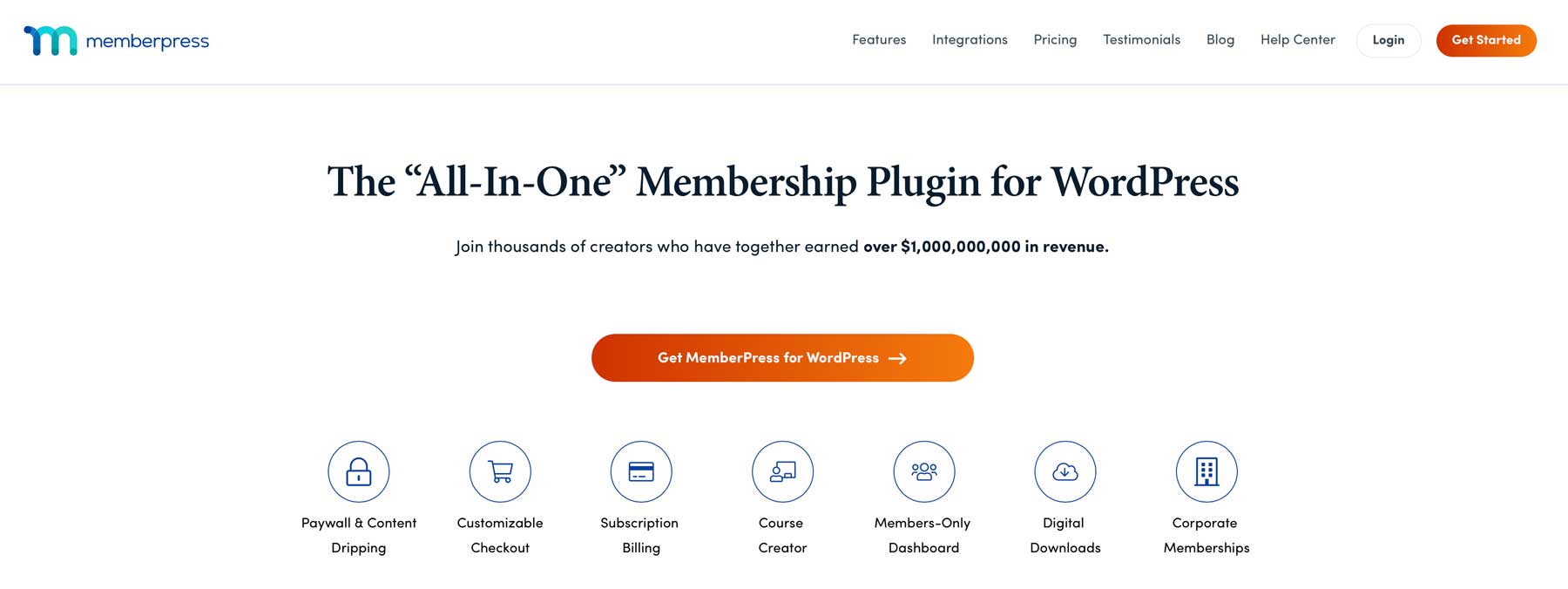
MemberPress is one of the more popular membership plugins for WordPress. It also functions as a learning management system (LMS). This allows you to launch a comprehensive online academy without the extra cost of an LMS plugin. With its powerful restriction features, you can granularly control who can access your content based on various conditions.
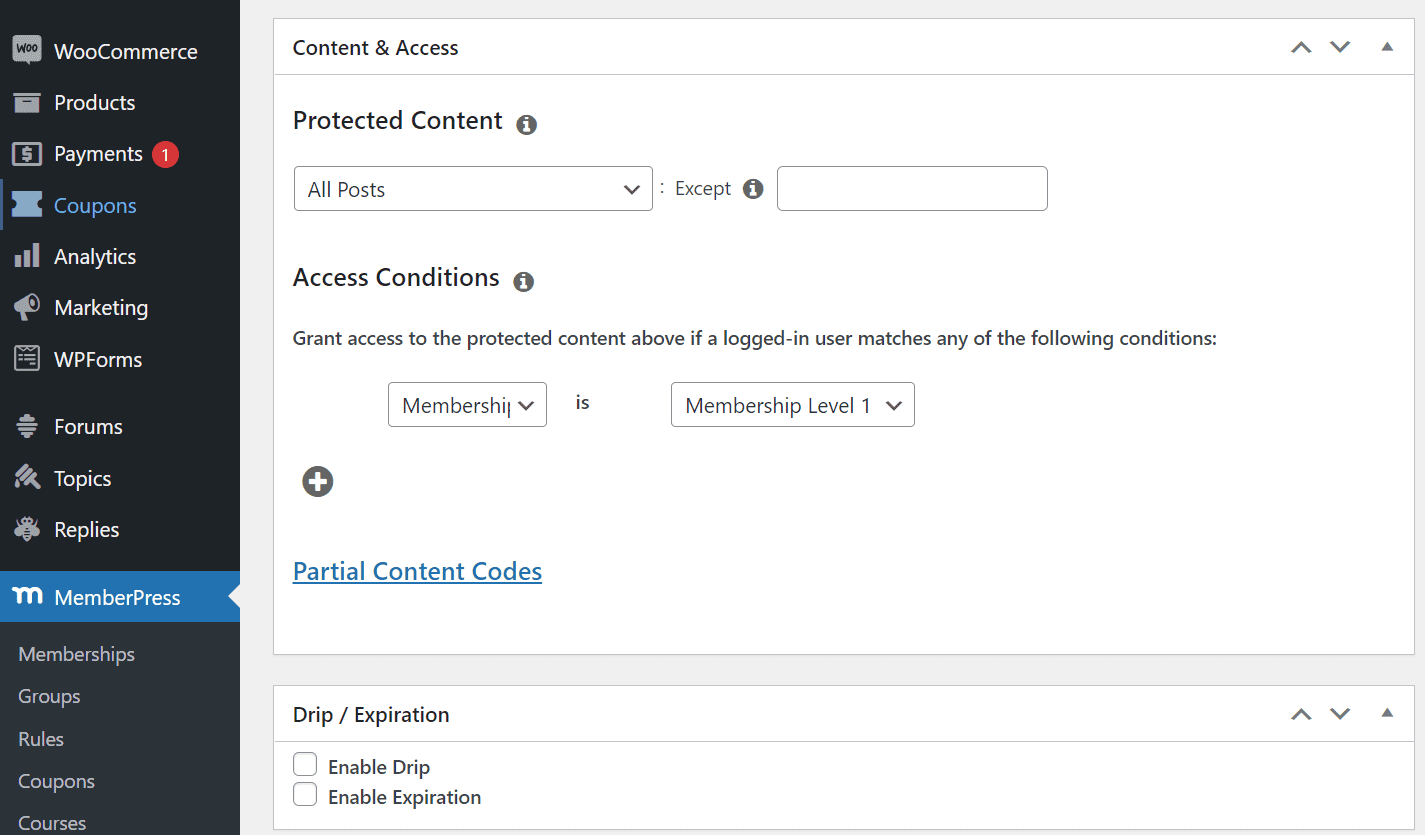
MemberPress has paywall functionality, allowing you to create paid membership levels and accept payments via Stripe, PayPal, and others. The MemberPress Divi Add-On integration provides added benefits for Divi users by allowing them to limit access to modules, rows, sections, or pages within Divi using the MemberPress tab in the Visual Builder.
Plus, you can create multiple membership levels to suit your needs, set up community forums without needing more plugins, and harness the power of Zapier. If your site has custom post types, you’ll be pleased to learn that MemberPress supports Advanced Custom Fields and Toolset, both of which integrate with Divi.
With MemberPress, you also get the ReadyLaunch™ page maker to create pricing, login, and registration pages with your images and company brand styles. Plus, you can discount courses or subscriptions with coupons, launch affiliate programs, and set up member emails.
However, it doesn’t have built-in chat, which is a drawback of MemberPress. Chat software can enhance engagement with potential members who are considering your site. To address this, several good chat plugins can be easily integrated with your MemberPress site.
What We Like About MemberPress
- Access Rules: MemberPress provides robust, flexible access rules to manage user access to your site’s content, including drip content scheduling.
- Payment Options: Supports one-time payments, recurring fees, and free trials via Stripe, PayPal, and Authorize.net.
- Integrations: Integrates with ActiveCampaign, ChatGPT, WooCommerce, Divi, and others, covering the tools most membership site owners already use.
What Could Be Improved
- No Free Version: There’s no free version of MemberPress to try before subscribing. But you get a 14-day money-back guarantee if you decide to go for it.
- Lock In: To use MemberPress’s features effectively, it’s critical to maintain an active license. Failure to renew your license on time can restrict your access to backend admin functions, potentially disrupting your website management.
🥇 Why We Picked It
MemberPress is our top choice because it is a powerful, feature-rich WordPress membership plugin that provides a comprehensive solution for building and managing subscription-based websites. Its intuitive interface, flexible pricing options, advanced access control, and seamless payment integration make it a top choice for businesses and organizations looking to monetize their content and services.
Who is MemberPress Best For?
MemberPress is highly recommended for WordPress users looking to set up a membership site, control content access, and integrate payment options for protected pages. It is also ideal if you want to develop online courses and effortlessly ensure compatibility with Divi.
Community Reviews and Ratings
The MemberPress plugin has received positive user feedback for its user-friendly interface, reliable membership management, consistent updates, prompt support, and reasonable pricing. Many users acknowledge and value its straightforward setup for both membership and eLearning websites.




Pricing
MemberPress doesn’t have a free version. Paid plans start at $399 per year (introductory first-year pricing of $199.50). Note: the entry-level Launch plan charges a 4.9% transaction fee on all sales. Removing that fee requires the Growth plan at $699 per year ($349.50 intro).
2. JetEngine
🥈 Best Membership Plugin for Complex and Dynamic Site Architectures
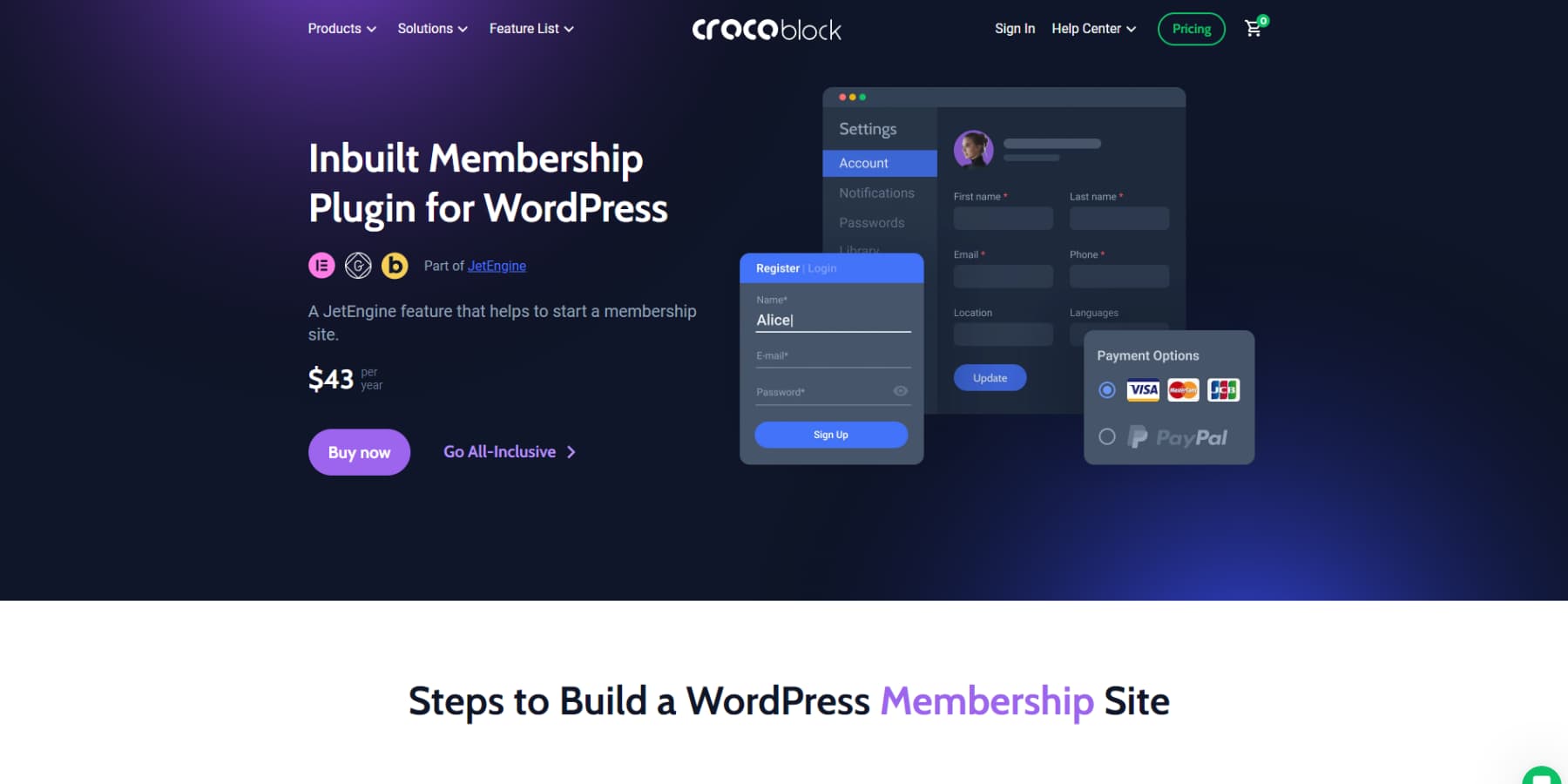
JetEngine, a WordPress plugin developed by Crocoblock, streamlines website building with advanced dynamic content capabilities. By combining its extensive core features with the vast array of JetPlugins, it uniquely empowers users to create membership sites on WordPress. With JetEngine, you can incorporate custom post types, fields, and taxonomies and craft user profile pages, among other features.
It offers a variety of dynamic widgets and conditional logic to display your data in various ways. With JetEngine, you can create an online course with a drip feed, restrict content or downloads for premium members based on membership levels or roles, and more.
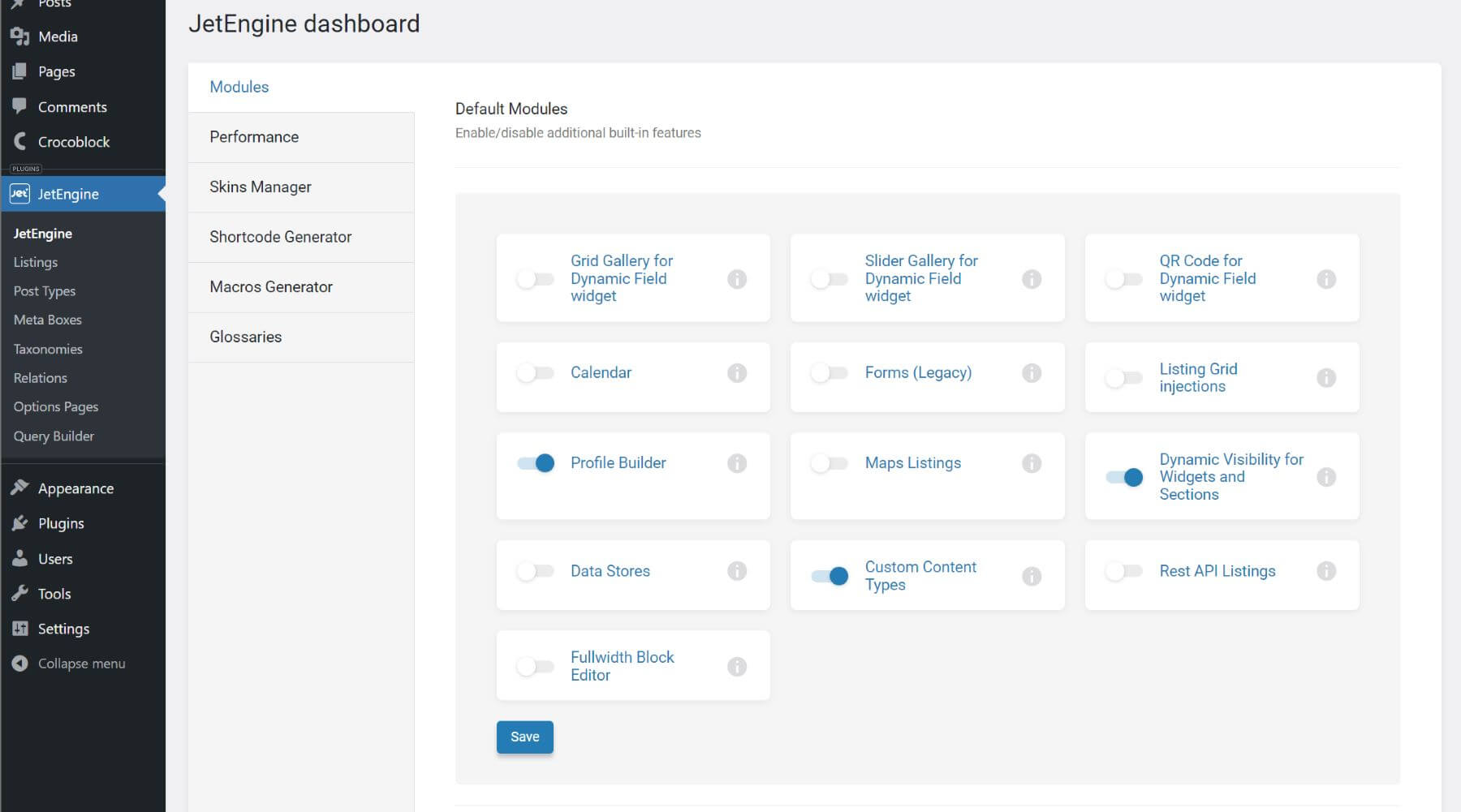
However, JetEngine isn’t your typical all-in-one membership site solution. Instead of having all possible features included out of the box, it is up to the user to use the tools available to create a membership solution tailored to their needs. This can be more affordable for those looking to build membership sites without being stuck with an expensive, bloated plugin they never use. However, it can also involve a steeper learning curve than other solutions because it gives you more control.
You can use their JetFormBuilder to create any form you need for a membership site, including user registration forms, login forms, and user submission forms – all with various field options, dynamic values, and conditional logic. You can even assign Post Submit Actions to control what happens after submitting a form. Plus, you can add payment gateways (PayPal, Stripe, WooCommerce) to registration forms to monetize your memberships.
What We Like About JetEngine
- Complete Solution: JetEngine goes beyond being just a membership plugin. It is a comprehensive solution package for building intricate, interactive websites such as listings, memberships, and mentoring platforms. In addition to its membership functionalities, JetEngine enables you to develop custom post types, fields, forms with dynamic logic, user registration and login forms, and other essential features.
- Ease of Use: JetEngine is easy to learn and use, making it an excellent option for individuals who want to create dynamic websites without a lot of technical expertise.
- Advanced Dynamic Content Support: The plugin provides functions such as profile builders, map listings, dynamic calendars, and other tools that help expand the variety of dynamic content you can create on your WordPress site.
What Could Be Improved
- Learning Curve: JetEngine is not a plug-and-play tool. Getting comfortable with the CPT-to-custom fields-to-listing-grid workflow takes real time, especially if you are coming from simpler membership plugins. The payoff is significant, but budget time for it.
- No Free Trial: You cannot test JetEngine before buying. Crocoblock offers a 30-day money-back guarantee, which provides a reasonable window, but there is no live sandbox to poke around in first.
🥈 Why We Picked It
JetEngine earns the #2 spot because it lets you build the data architecture of a membership site from the ground up rather than fitting your content into a preset structure. Most membership plugins give you levels, content restrictions, and a payment gateway. JetEngine gives you custom post types, relational data, dynamic visibility, and a query builder, then lets you wire payments in through JetFormBuilder.
Additionally, Crocoblock officially released a full Divi 5 integration for JetEngine and JetSmartFilters, bringing dedicated Divi modules, dynamic listings, AJAX filtering, and the complete query builder workflow into the Divi 5 builder natively. If you are building serious membership or directory sites on Divi 5, JetEngine is now a first-class option, not a workaround. The cost entry point is also much lower than that of dedicated membership plugins, which is meaningful for agencies building multiple sites with different requirements.
Who is JetEngine Best For?
JetEngine is the right tool if you need to build a membership or gated content site that does not fit the standard mold: think directory sites with member-submitted listings, multi-role communities with dynamic profile pages, real estate or job board sites with gated content tiers, or any project where the content structure itself needs to be custom-built. Divi users in particular can use JetEngine to go far beyond what the native Loop Builder offers, including custom post type relationships, map listings, and advanced AJAX filtering through JetSmartFilters, all inside the Divi 5 builder without switching tools.
Community Reviews and Ratings
Users appreciate Crocoblock for its powerful dynamic content tools, responsive customer service, wide range of customizable widgets, and the ability to build complex, data-driven WordPress websites without custom development. It is heavily used by Divi and Elementor user bases.

Pricing
No free plans. JetEngine standalone starts at $75 per year (1 site) or $169 per year for unlimited sites. The All-Inclusive plan covering all JetPlugins is $199 per year. A 30-day money-back guarantee applies.
3. Paid Memberships Pro
🥉 Most Customizable Membership Plugin
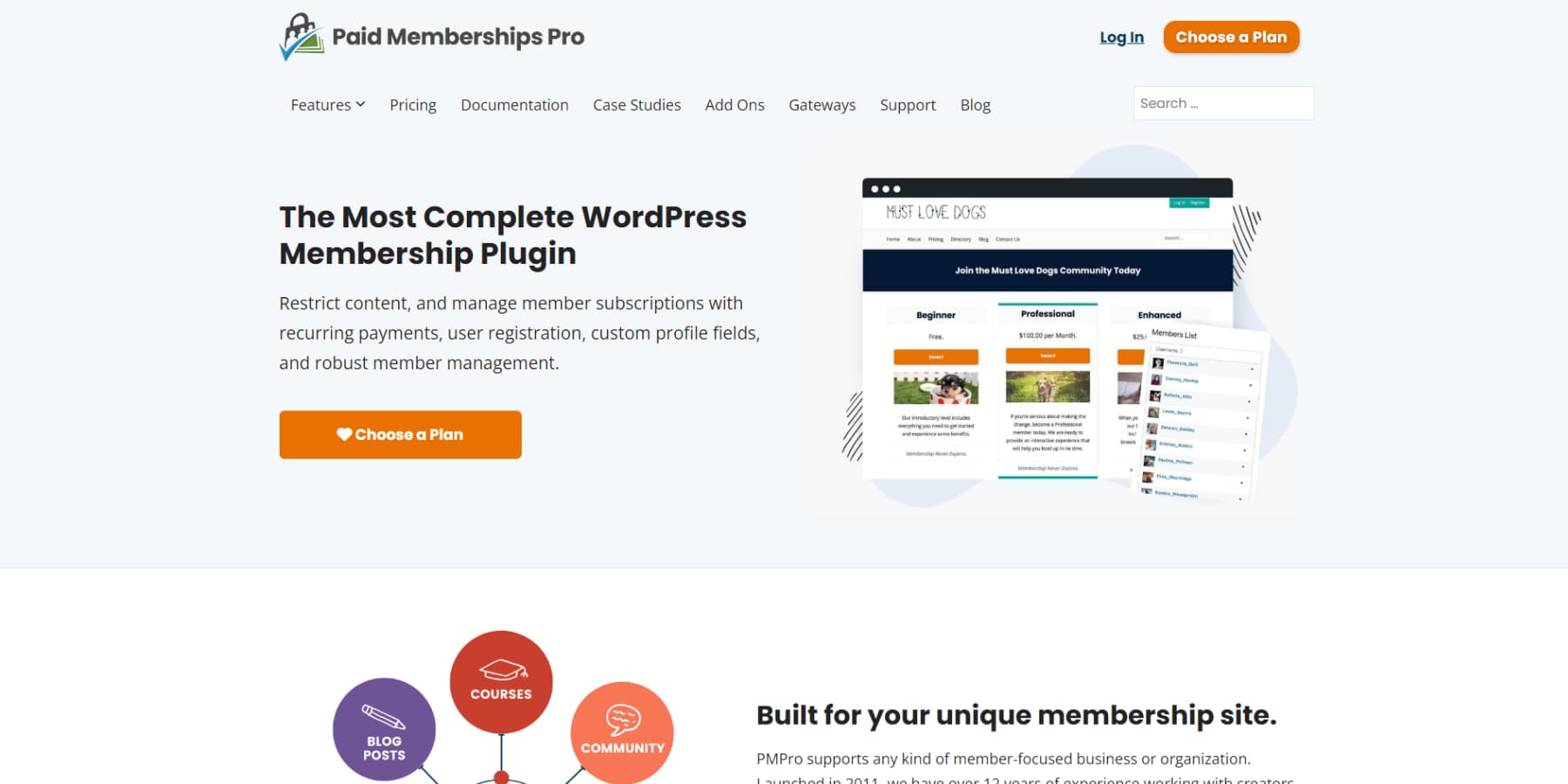
Up next, Paid Memberships Pro offers many of the same features as other membership plugins – but with a couple of excellent additions. First, it allows for content to be hidden based on post type, including posts, products, categories, or tags. Second, it provides a dedicated theme for those starting from scratch.
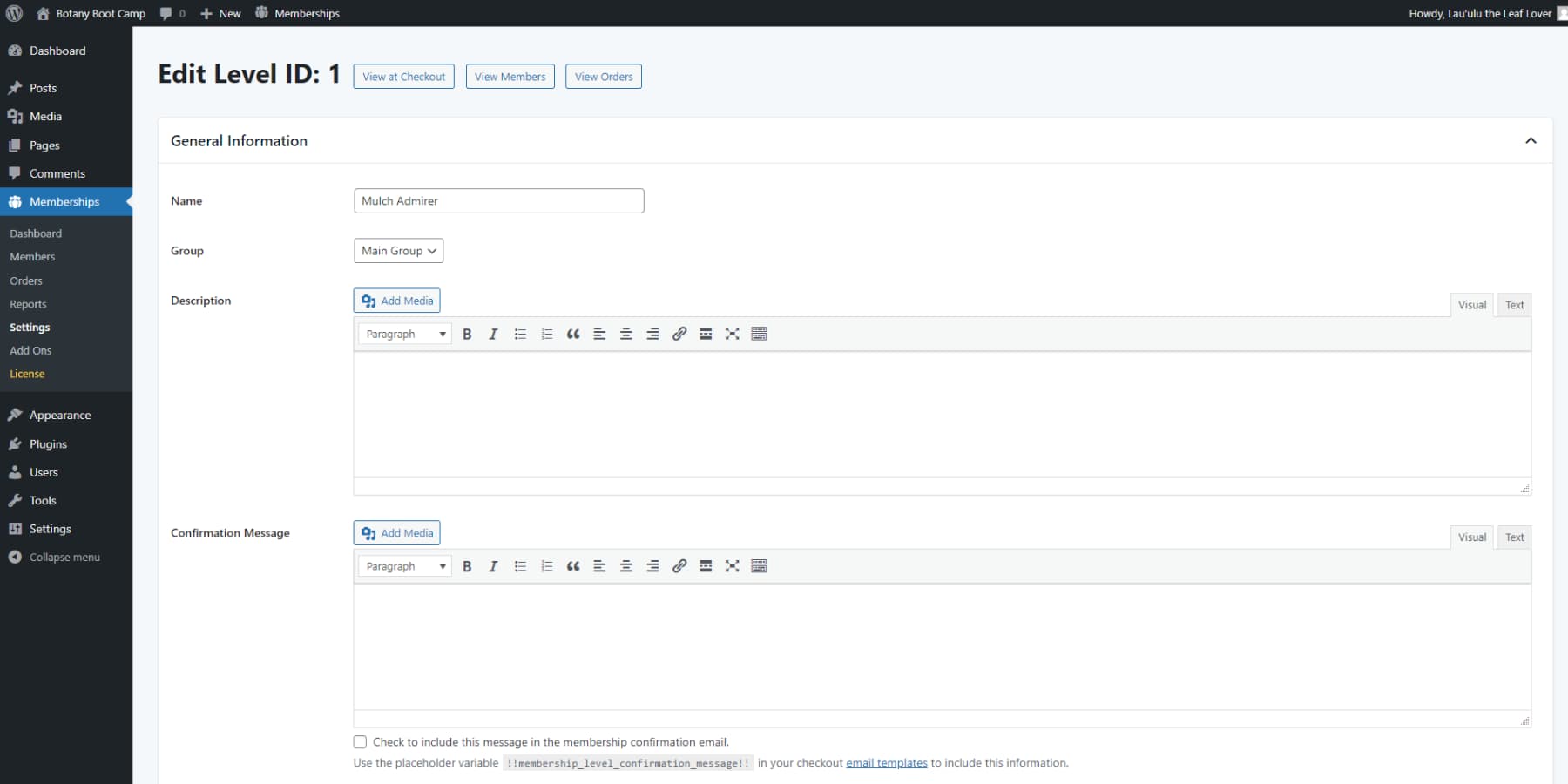
Plus, Divi users get seamless integration with Paid Memberships Pro. You can restrict content to pages, sections of pages, or posts using Divi’s Visual Builder.
Additionally, Paid Memberships Pro offers content dripping, which schedules content releases based on a member’s start date, and allows for the creation of custom member pages based on membership level.
Lastly, if you opt for the plus price tier, you can gate content and manage memberships over a network using WordPress multi-site installations.
What We Like About Paid Memberships Pro
- Ease of Use: Paid Memberships Pro provides an easy-to-use dashboard and a straightforward setup process, ensuring even beginners can easily access and navigate the platform.
- Membership Types: With Paid Memberships Pro, you can create as many membership levels as you want. You can provide free access, offer paid subscriptions, set custom trial periods, and offer different membership types to meet your users’ needs.
- Payment Processors: You can select from a range of payment processors, including PayPal, Stripe, Authorize.net, and Braintree, to use your preferred payment method.
- Free Core Plugin: Paid Memberships Pro offers a free core plugin, making it accessible to users with budget constraints.
What Could Be Improved
- Content Protection Challenges: Protecting content can feel like a chore, as you need to review each piece individually to set access conditions. This task can become even more difficult when you have a lot of content to manage.
- Limited Integrations: Missing integrations with well-known tools for email marketing, course creation, and eCommerce may restrict the smooth integration options available to you.
🥉 Why We Picked It
Paid Memberships Pro is our next choice for a membership plugin due to its extensive features, flexibility, and active development. It offers robust subscription management, content restriction, and user roles, making it a versatile solution for creating and managing successful membership sites of any size or complexity.
Who is Paid Memberships Pro Best For?
Paid Memberships Pro is an excellent choice if you require a highly customizable membership site. Additionally, if you prioritize a free, feature-rich solution and need comprehensive documentation and dedicated support, Paid Memberships Pro can ensure a seamless user experience for your membership platform.
Community Reviews and Ratings
Users appreciate Paid Memberships Pro’s robust features, seamless integration with WordPress, and extensive support resources, making it a valuable tool for creating and managing membership sites effectively.

Pricing
It offers a free version, and the paid Standard plan starts at $347 per year (1 site).
4. Wishlist Member

Next on our list is Wishlist Member, a powerful WordPress membership plugin you may not be familiar with. It enables you to establish a complete membership site with various membership levels, subscription-based offerings, and payment integration options. Additionally, it serves as a comprehensive Learning Management System, enabling you to create and administer courses and quizzes.
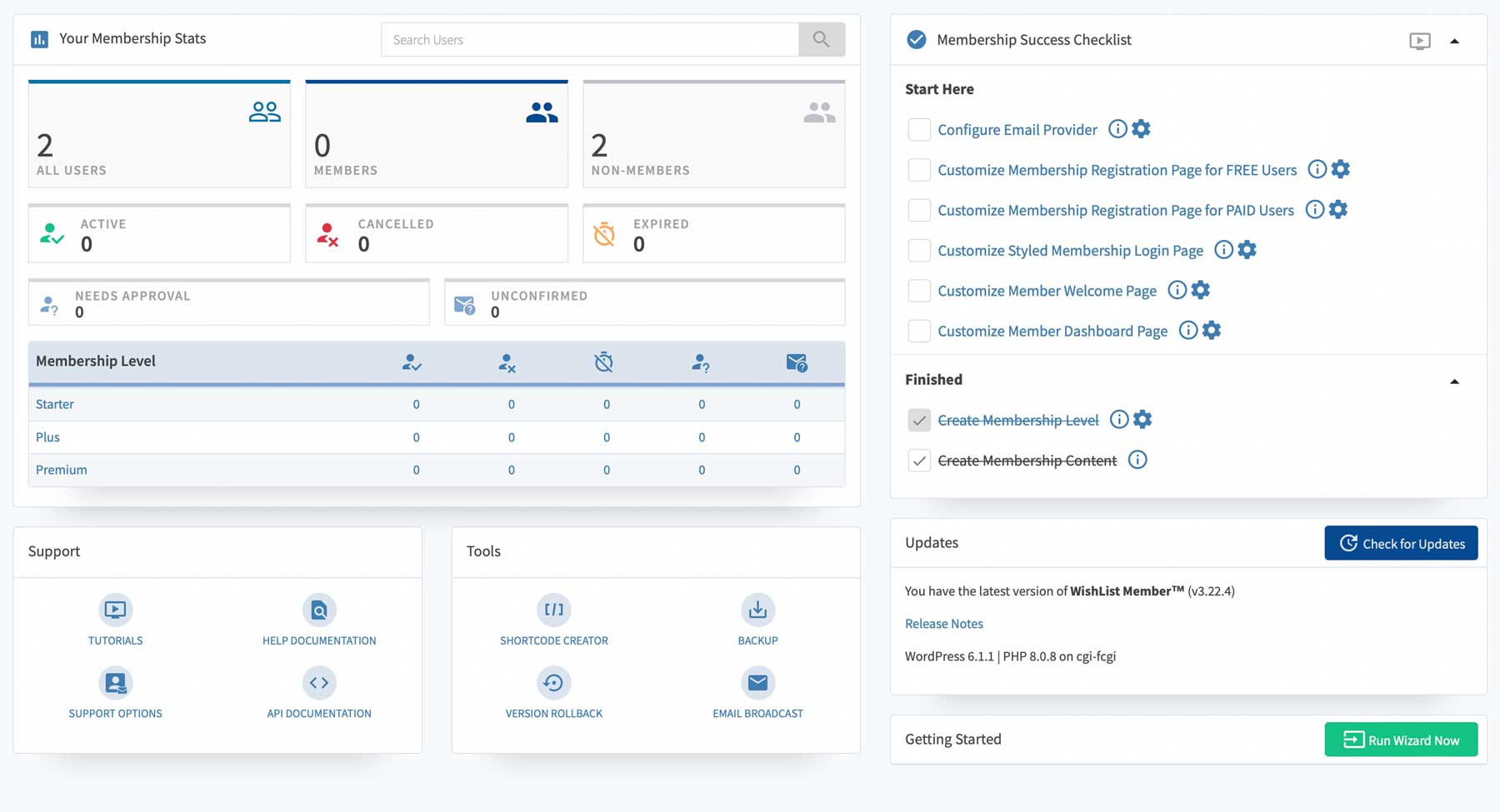
As a bonus, the first-time configuration wizard in Wishlist Member is an excellent tool that makes it easy to set up your membership levels, integrate with payment and email providers, and generate essential pages, including the registration page, sales page, login page, member welcome page, and member dashboard.
What We Like About Wishlist Member
- Easy Setup: WishList Member provides comprehensive support documents and tutorials, making it easy to set up and manage your membership site.
- Sophisticated Access Control: You can precisely control which users can access specific content items. This enables you to tailor and personalize options for different membership levels.
- Integrations: The platform integrates with various payment systems, email marketing tools, and other services, offering flexibility and growth opportunities for your membership site.
- Unlimited Membership Levels: WishList Member lets you create multiple subscription levels, giving your students flexibility and enabling you to offer diverse services.
What Could Be Improved
- Recurring Payment Management: When you cancel or pause a membership, keep in mind that it won’t automatically stop recurring payments with providers. You may need to manually cancel them in the payment processor’s dashboard, which could be inconvenient.
- Learning Curve: You might feel overwhelmed by the numerous features and options in WishList Member. Learning to use them could be challenging and make managing your site more complex.
Who is Wishlist Member Best For?
Wishlist Member is ideal for an easy-to-set-up membership site with a user-friendly dashboard. It offers flexible payment and email provider options. Furthermore, it integrates with Divi, allowing you to assign content at the module level and across different membership tiers.
Community Reviews and Ratings
Users appreciate WishList Member’s timely support, customization options for membership sites, and ease of integration into WordPress websites.
Pricing
There is no free version. Paid plans start at $299 per year (introductory first-year pricing of $149.50).
5. Member Mouse
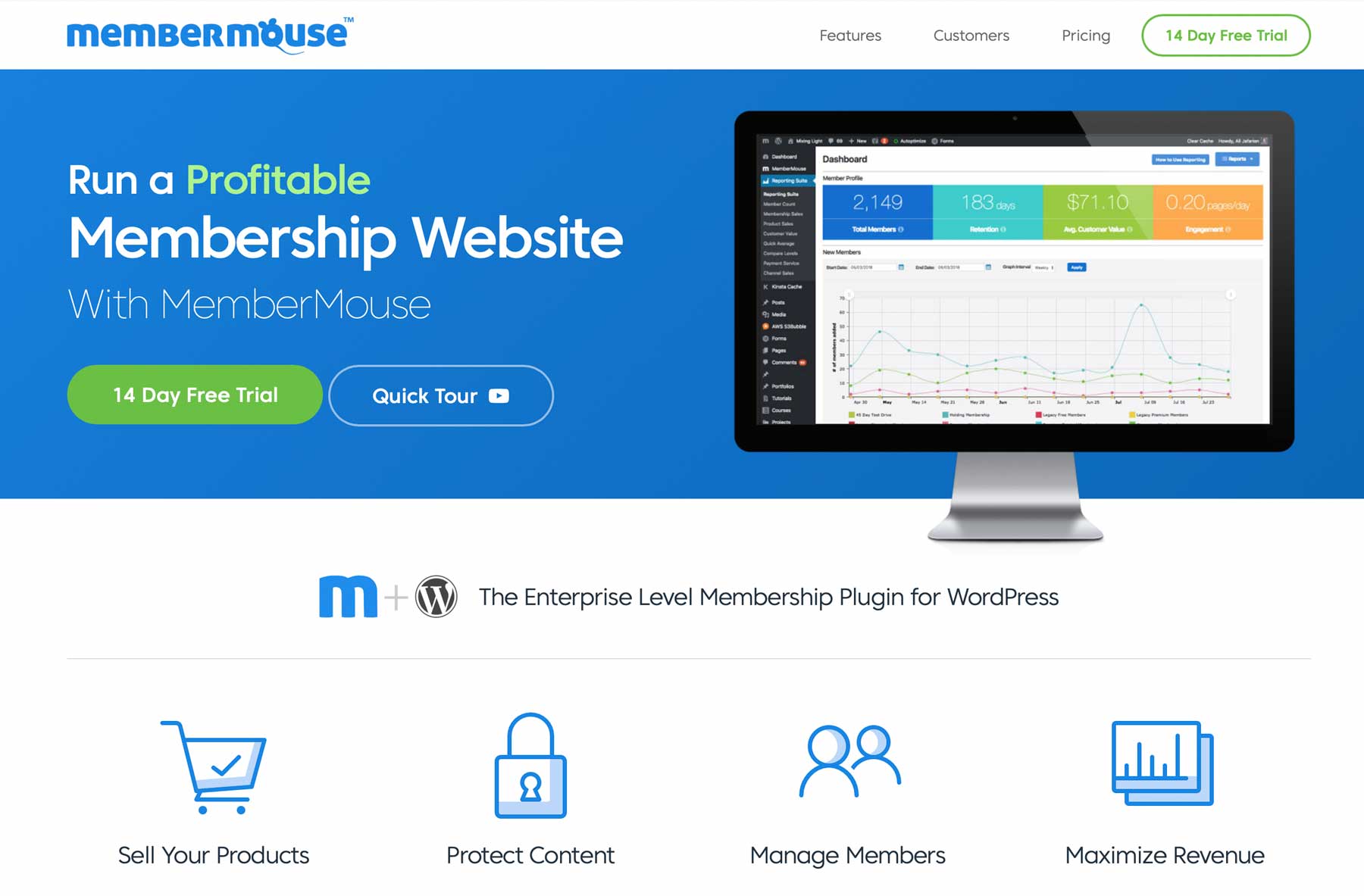
Member Mouse is one of the more expensive options on our list and is geared toward those who want to build a complete sales-based membership site. Plans are billed annually, with a 14-day free trial available before you commit.
Member Mouse is a complete tool for managing paid subscriptions, memberships, and products. With a simple interface, setting up your offerings is easy. You can create multiple membership levels and offer one-click product purchases. The dashboard provides a complete membership management system, integration with email automation services such as Mailchimp, Active Campaign, and Constant Contact, and support for various payment options, including Stripe, Authorize.net, and PayPal.
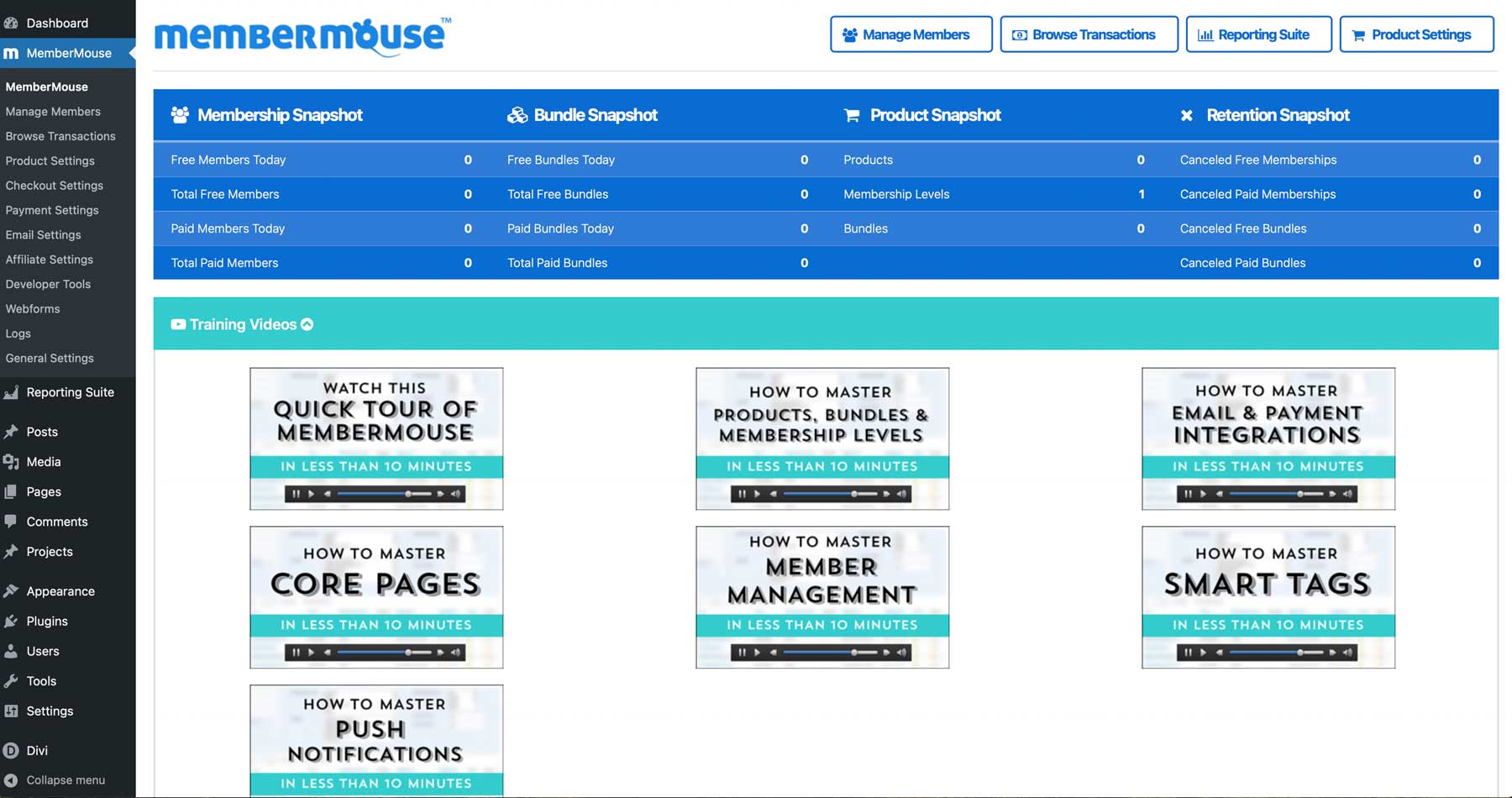
However, Member Mouse lacks the convenience of creating custom forms for your membership site, requiring knowledge of HTML and CSS. Several form plugins can bridge this gap and provide the necessary functionality.
What We Like About Member Mouse
- Automation Features: MemberMouse offers helpful automation features, such as push notifications and overdue payment reminders. These tools simplify membership management responsibilities and boost user interaction.
- Powerful Functionality: MemberMouse offers features such as 1-click upsells, downsells, save-the-sale options, and gifting. These features set it apart from many other membership platforms, making it an attractive option for businesses seeking advanced membership site capabilities.
What Could Be Improved
- Slow Development Cycle: You have pointed out a significant issue: development progress is slow, and updates are infrequent. Users are unhappy with the lack of new features in updates, raising worries about how the product will advance.
- Difficulty in Migration: Transitioning from MemberMouse can be challenging due to its recurring billing setup for members. If you decide to switch to other solutions, this lock-in feature may present a hurdle.
Who is Member Mouse Best For?
Member Mouse is a one-stop shop for all your subscription and marketing automation needs, allowing you to track your members’ purchase history, subscriptions, and revenue, offering a comprehensive solution for your website’s subscription system.
Community Reviews and Ratings
MemberMouse stands out for its seamless content management, customizable checkout process, detailed reporting, and excellent customer service, making it a top choice for medium to enterprise-sized online businesses.
Pricing
No free version, but a 14-day free trial is available. Paid plans start at $299 per year (introductory first-year pricing of $149.50).
6. Restrict Content Pro
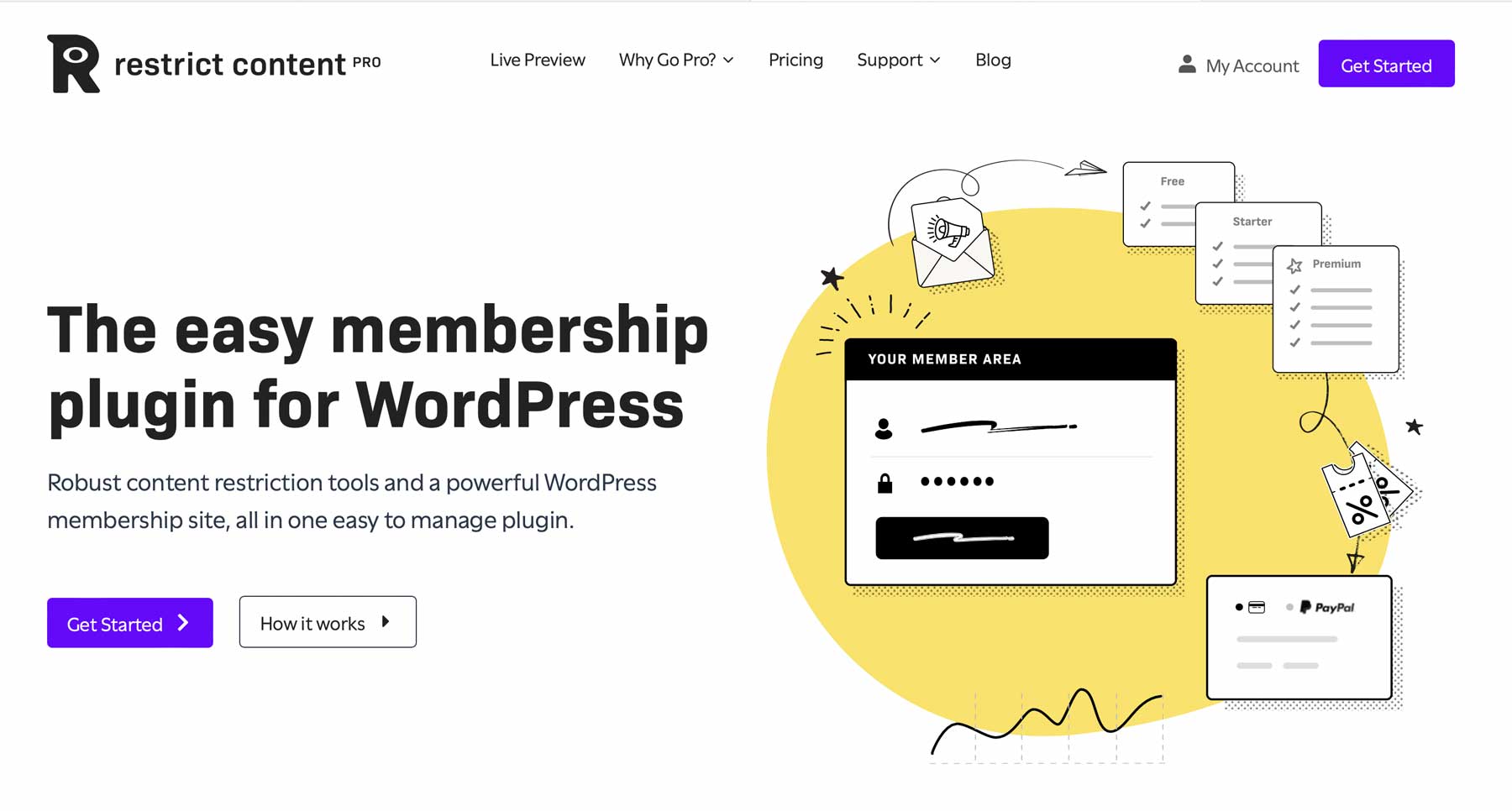
Next on our list is Restrict Content Pro. It comes standard with unlimited membership levels, membership management, Stripe payments, invoicing, and content restriction, among other features.
Additionally, the paid version of the product has extra features compared to the free one. You can create coupon codes to discount different membership levels once or repeatedly. It also prevents password sharing by limiting how often certain content can be viewed. Additionally, you’ll have more payment options, like PayPal and Braintree.
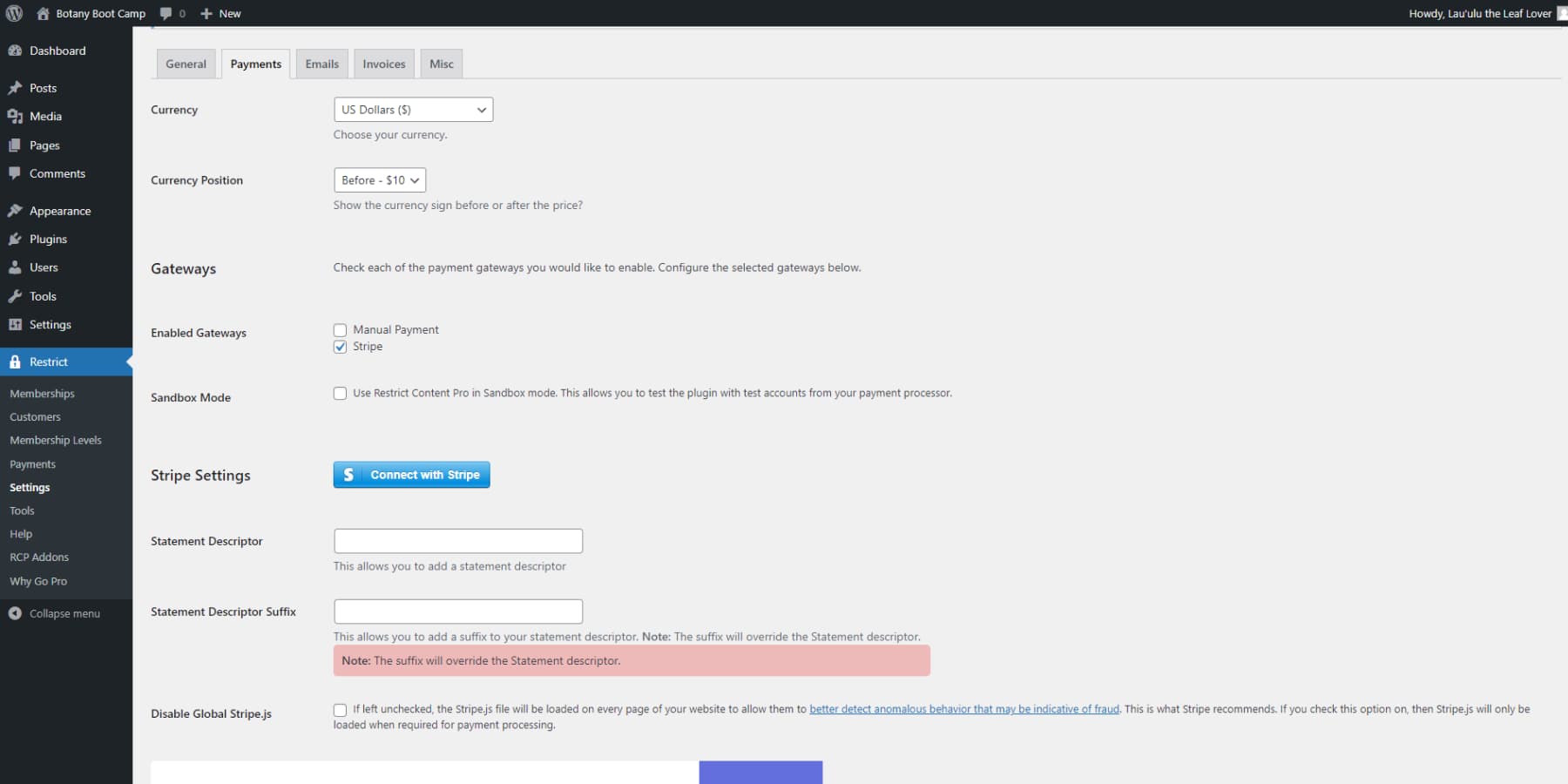
However, the best thing about the paid version is that you can offer free trials.
What We Like About Restrict Content Pro
- Flexible Membership Levels: You can use the plugin to create multiple membership levels, allowing you to easily upgrade or downgrade your membership options and structure your membership offerings as you see fit.
- Developer-Friendly: With more than 500 actions and filters, developers can easily extend Restrict Content Pro, enabling you to create custom implementations and enhancements.
- Detailed Reporting: The plugin provides detailed reports on user activity, showing which users have accessed restricted content and when.
What Could Be Improved
- Single Membership Level Limitation: Restrict Content Pro is best for websites where members only need a single membership level, simplifying membership structures.
- Transaction Fees on the Free Version: The plugin imposes an additional 2% fee per transaction, which can quickly accumulate, especially given the extra charges other processing services may apply. However, these transaction fees are not included in the Pro version.
Who is Restrict Content Pro Best For?
Restrict Content Pro is an ideal solution for limiting password sharing and for offering coupons and discount codes. It also provides your members with a free trial, helping you effectively control access and monetize your content.
Community Reviews and Ratings
Restrict Content Pro is highly regarded for its user-friendly setup. Additionally, it offers robust functionality, excellent customer support, and seamless integration with payment gateways such as Stripe. These features collectively make it a popular choice for managing memberships and content access on WordPress websites.
Pricing
Restrict Content Pro offers a basic free version. Paid plans start at $99/year.
7. Ultimate Member

The last plugin on our list is Ultimate Member, a user-friendly WordPress membership plugin. It includes shortcodes and a drag-and-drop builder for creating member profile pages and directories. Plus, Ultimate Member allows customization of registration, login, and member profile forms using a drag-and-drop form builder with over 50 fields, including options for member bios and social media profiles.
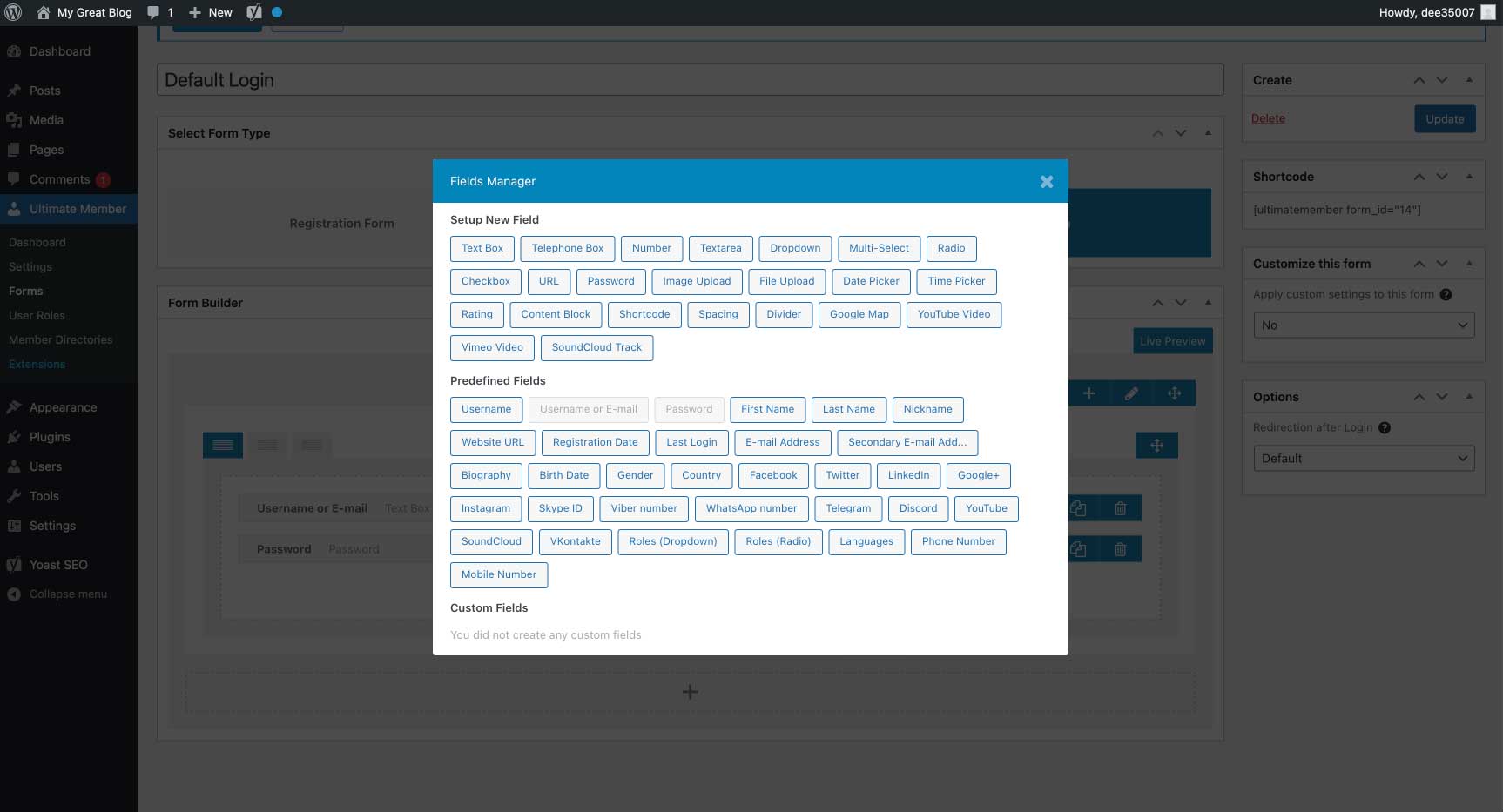
Additional notable features include a private message system, a real-time notification system, social login, online user notifications, and content restricted to registered users. As a bonus, Ultimate Member works with other plugins, such as WooCommerce, to create subscription and membership-based products for the ultimate sales website.
What We Like About Ultimate Member
- Complete Control: You can fully control user settings and website components. This allows you to manage content restrictions, regulate user logins, and more.
- Form Builder: The plugin can easily create various forms using a drag-and-drop form builder.
- Content Access Management: You can control access to content for specific users, allowing you to offer premium subscription services.
What Could Be Improved
- No E-commerce Features: If you want to sell digital products or handle subscriptions efficiently, you may find that Ultimate Member doesn’t integrate directly with popular payment gateways. However, you can use WooCommerce to enable payments on your website, and Ultimate Members integrates with it out of the box.
Who is Ultimate Member Best For?
Ultimate Member is for you if you want to add a forum to your site, require custom forms, and need a solution that seamlessly integrates with WooCommerce, providing a comprehensive user management system tailored to your website’s diverse needs.
Community Reviews and Ratings
Users appreciate the plugin’s user-friendly features, excellent support, and ability to effectively create member directories and restrict content.
Pricing
Free core plugin. Paid plans start at $276 per year (Standard plan, 1 site).
8. Paid Member Subscriptions
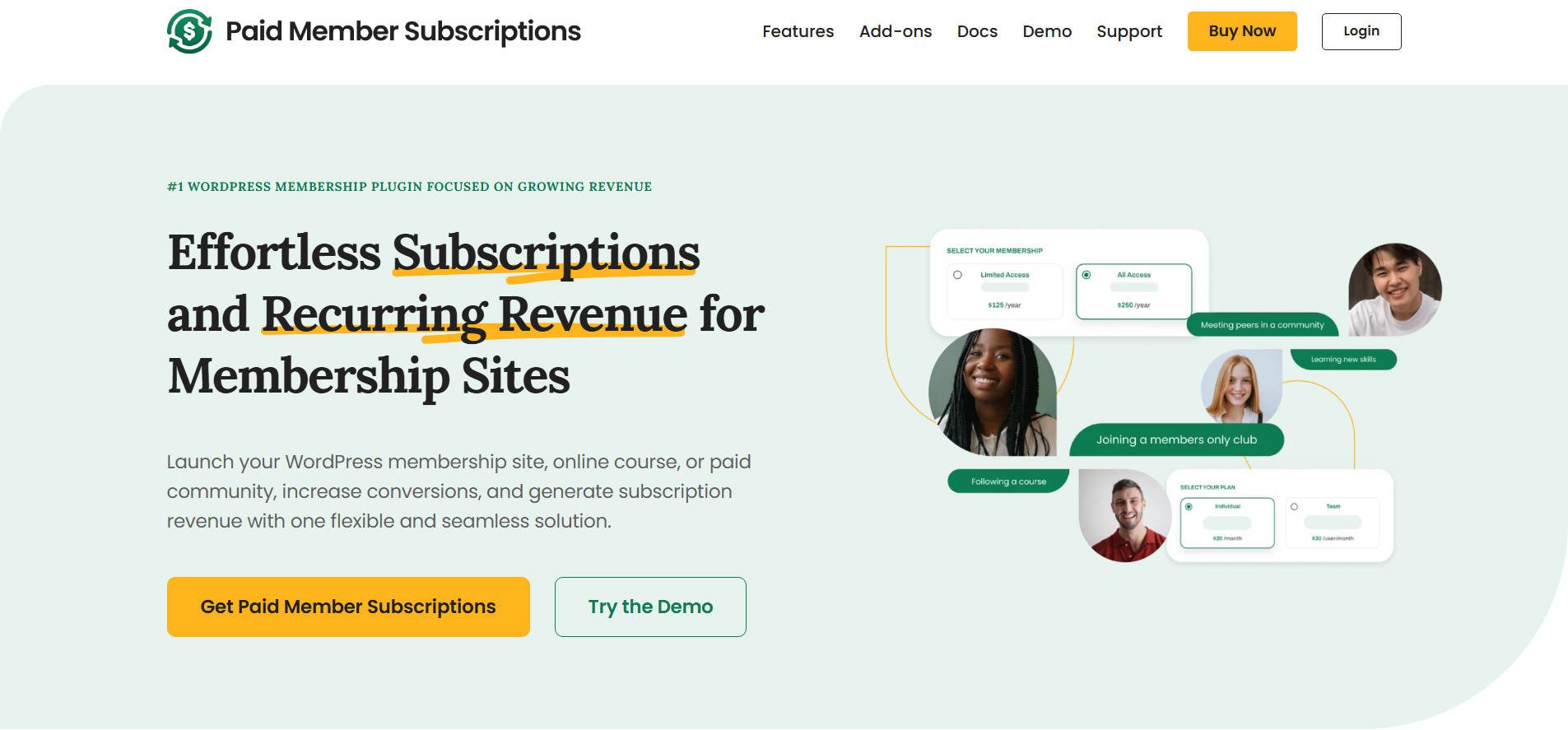
Paid Member Subscriptions by Cozmoslabs is a powerful yet easy-to-use WordPress membership focused on growing recurring revenue. The plugin that makes it simple to restrict content, manage subscriptions, and accept payments. It’s designed for beginners and advanced users, offering a clean interface with a robust feature set that scales with your needs.
Whether you run a gated content site, an online course, or a private community, this plugin offers everything from unlimited subscription plans to content drip, discount codes, email reminders, and multi-currency support.
It also integrates seamlessly with Divi, adding a suite of membership form modules—such as registration, login, and account management—directly into the Divi Builder. You can also show or hide any Divi section or module based on a user’s subscription plan or status, giving you complete visual control over personalized member experiences.
What We Like About Paid Member Subscriptions
- User-Friendly Yet Capable: It includes pre-built pricing page templates for quick, professional plan displays.
- Flexibility: You can create unlimited subscription levels, free or paid, with recurring billing, free trials, sign-up fees, and more. There is also support for group memberships, fixed-period memberships, and pay-what-you-want pricing.
- Revenue Focused: It offers many tools to help you grow recurring revenue. Multi-currency support is ideal for global membership sites serving international markets. You can also set up a private WooCommerce store for members only.
- Free Version: Generous free version, fully capable of powering simple membership sites right out of the box, making it ideal for startups or budget-conscious creators.
What Could Be Improved
- Some premium features (e.g., group memberships and multiple-currency support) are locked behind premium plans.
- Could benefit from more native integrations with CRMs or LMS platforms
Who Is Paid Member Subscriptions For?
This plugin is ideal for small businesses, educators, coaches, and nonprofits that need a flexible yet robust membership solution. Its built-in Divi support makes it especially appealing to Divi users who want to control content visibility directly in the builder.
Community Reviews and Ratings
Praised for its ease of use and great value for the cost, Paid Member Subscriptions maintains a strong 4.7+ star rating on WordPress.org. Users highlight its reliable performance, clean interface, and balance between simplicity and power, making it a trusted solution for thousands of WordPress membership sites.
Pricing
Free plugin to start with, but paid plans start at €99 per year.
Best Free WordPress Membership Plugins
The free plugins listed here are essential. They let you gate content, add members, and sometimes create membership tiers. Therefore, don’t expect to run a complex membership site with these. That being said, simple membership websites will work fine using any of the following options.
- Members is a free plugin with over 200,000 installs. You can add, clone, and edit user roles, limit content access using shortcodes, and make your site private.
- Paid Memberships Pro Free covers content restriction, recurring payments, and Zapier integration.
- Ultimate Member Free is a lightweight version of its paid version. It still offers custom forms, member directories, emails, and navigation menus based on user login status.
- Simple Membership offers gated content with payment options through PayPal, Stripe, and Braintree. It also has email and subscription features.
- WP-Members is a simple plugin that gates content, displays menu links based on user login status, and adds custom fields to the profile and registration forms.
Comparing Membership Plugins
There are dozens of membership plugins available for WordPress. That said, only a handful have the features most WordPress users will need. Therefore, the plugin you choose largely depends on what you need it to do. However, a couple of entries on our list are a complete solution for building a successful membership site.
Feature Comparison
Our top 3 membership plugins are at the beginning of our list for a reason! Let’s peek into some of the features that make them the best!
| 🥇 MemberPress | 🥈 JetEngine | 🥉 Paid Memberships Pro | |
|---|---|---|---|
| Starting Price | $399/yr | $75/yr | $347/yr |
| Unlimited Membership Levels | ✔️ | ✔️ | ✔️ |
| 3rd Party Addons and Integration Library | ✔️ | ✔️ | ✔️ |
| Page Builder Integrations | ✔️ | ✔️ | ✔️ |
| WooCommerce Integration | ✔️ | ✔️ | ✔️ |
| # of Native Payment Gateways | 4 | 3 | 8 |
| Custom Email Notifications | ✔️ | ✔️ | ✔️ |
| Recurring Billing | ✔️ | ✔️ | ✔️ |
| Frontend User Interface | ✔️ | ✔️ | ✔️ |
| Coupons and Discount Codes | ✔️ | ❌ | ✔️ |
| Native LMS Functionality | ✔️ | ❌ | ❌ |
| Member Directory & Profile Pages | ❌ | ✔️ | ✔️ |
| Get MemberPress | Get JetEngine | Get Paid Memberships Pro |
Price Comparison
Before we wrap up our post, let’s compare all the plugins in our list:
| Plugin | Price | Free Option | User Reviews (avg) | ||
|---|---|---|---|---|---|
| 🥇 | MemberPress | $399 per year | ❌ | ⭐⭐⭐⭐⭐ (4.5/5) | Visit |
| 🥈 | JetEngine | $75 per year | ❌ | ⭐⭐⭐⭐⭐ (4.7/5) | Visit |
| 🥉 | Paid Memberships Pro | $347 per year | ✔️ | ⭐⭐⭐⭐⭐ (4.7/5) | Visit |
| 4 | Wishlist Member | $299 per year | ❌ | ⭐⭐⭐⭐⭐ (4.8/5) | Visit |
| 5 | Member Mouse | $299 per year | ❌ | ⭐⭐⭐⭐ (4/5) | Visit |
| 6 | Restrict Content Pro | $99 per year | ✔️ | ⭐⭐⭐⭐⭐ (4.5/5) | Visit |
| 7 | Ultimate Member | $276 per year | ✔️ | ⭐⭐⭐⭐⭐ (4.5/5) | Visit |
| 8 | Paid Member Subscriptions | €99 per year | ✔️ | ⭐⭐⭐⭐⭐ (4.5/5) | Visit |
What is the Best WordPress Membership Plugin?
MemberPress remains the strongest all-in-one option for most users who want a complete, ready-to-run membership site. If your project needs custom content architecture, dynamic member directories, or a membership structure that goes beyond what off-the-shelf plugins support, JetEngine is the more capable choice, especially now that it has full Divi 5 support. And if you need a highly customizable open-source option with a strong free version, Paid Memberships Pro still delivers.
If you’re looking for the best WordPress plugins, check out our ultimate list of recommendations for each plugin type!
Frequently Asked Questions (FAQs)
Let’s answer some of your most commonly asked questions regarding WordPress membership plugins. Did we miss one? Leave a comment below, and we will reply.

 MemberPress
 JetEngine
 Paid Memberships Pro







The pricing is a bit off and you missed the fact that the price you listed for MemberPress is for the FIRST YEAR ONLY. After that, it goes up to $359 US per year (now it was less last year). Same thing with Paid Memberships Pro, 50% off the first year, then $347 US per year after that, not the $247 you listed. The same with Wishlist Member, you only list the 1st year price, and then it goes to $299 US.
Membermouse, wrong price. It goes up year 2.
JetEngine is built for Elementor, not Divi. Don’t know how it made the list, but the price that you give is way off, it is $199/year for the features you talk about, and you only get some stuff for $43/year. Also, it is not the same and requires a lot of screwing around to try to make it what you say it is. Their website doesn’t say it is for what you claim.
Very poor level of information given. A moment taken diving into the pricing page and some critical reading would have been better. I would have expected you to be more thorough than you were.
Hi Will,
I really enjoyed your article. I’m looking for a membership plugin and this will come in very handy when using Divi. I’d like to know which of these is also integrated into the Woocomerce User dashboard, with expiration, renewals, etc..?
Thanks in advance.
The best WordPress membership that I have found is Digital Access Pass and includes a host of other features that make it well worth checking out. Plus the customer service has been exceptional.
Appreciate the suggestion, Judy! Thanks for sharing.
I’ve WooCommerce Memberships activated on my website , looks everything is set and works fine , I like the features and think it really works the way it should 🙂 , thanks for sharing this great article
Happy to hear it’s working well for you, Mahziba!
I’m surprised you didn’t mention S2member. There is a free version and the paid version is only US$ 79.00 as a one-time payment. S2member can use PayPal and Stripe for payments and is very customizable!
Thanks for sharing your recommendation, Darrel!
These are all excellent. (I’ve used MemberPress and really liked it.)
However, none of them have the feature I needed: a metered paywall.
After much looking, I found Leaky Paywall, and have used it for a couple of years. It seems to work well, even with heavy caching. So, I wanted to add it to your list.
Thanks for sharing, Bruce!
My biggest frustration with MEMBERSHIP programs, and with articles like this that review them, is that they focus exclusively on the type of website that wants to charge people MONEY to join and focuses on greed and selling and making more and more money. Where are the plugins that let you manage an all-volunteer non-profit organization? The kind where you don’t focus on charging people money (but you can), where your main focus is NOT on selling things and making money any way you can, but rather on SERVING THE COMMUNITY and giving them an easy way to stay in touch and you and they both manage their memberships. I’m talking about things like news and alerts for club members, like assigning people to committees and allowing committee members to communicate with each other, with dividing the organization into groups based on any category you like, such as trumpet players or men over 60 or members of the party committee or the annual festival working group; where people can register to attend events and be logged in as having attended and have their attendance tracked over time so they can qualify for awards. Where are THOSE plugins?
Absolutely agree! Looking for a simple plugin to do exactly what you describe for a non-profit community.
Hi David! Thanks for bringing this up.
In addition to Nathan’s suggestions, I’d also like to mention that you can use any of the plugins in this post to create free memberships (although some of them make it easier than others – for example, I probably wouldn’t recommend WooCommerce Memberships for this). This would enable you to create community-focused websites like you’re describing while giving you more advanced registration and account management features than WordPress provides out of the box.
Some of the more specific use cases you mention (such as tracking event attendance) might be slightly more challenging to configure but are probably doable with some additional plugins (such as an event management plugin).
Also, this post focused on premium/paid membership plugins, but for non-profits and community sites that may be on tight budgets, there are definitely free options. Members is basically a free version of MemberPress, there’s the free version of Paid Memberships Pro that we mentioned, Ultimate Member, Simple Membership, and more!
Hope this helps!
Hey David! As someone who has created non-profit websites and worked on a non-profit board, I can attest to the need for the plugins you’ve described. And thankfully, they exist! I’ll be sure to write up a blog post here soon that shares everything I’ve learned and discovered in this area. In the meantime, you might like this post: https://www.blocksylaunch.click/blog/resources/nonprofit-board-and-committee-management-made-easy-with-wordpress
I’m being asked by a school to include a facility that will allow a teacher to edit the page for their class alone and no-one else’s class. Does anyone know if that’s possible?
Hi Brian –
This is definitely possible, although I don’t think a membership plugin would be the easiest way to go about it.
One solution would be to assign teachers the Author user role in WordPress, which allows users to edit and publish their own posts but not those of other users. However, Authors cannot edit pages.
Editors can edit pages, but can also modify content written by other users. So, if you want teachers to be able to edit pages and not just posts, but still need to prevent them from editing others’ content, you’ll need a plugin that enables you to change the default capabilities of WordPress’ user roles.
The User Role Editor plugin is a free tool that enables you to do just that. You could also use it to create a custom user role that has the capabilities your teachers require.
Hope this helps!
I forgot to add that while MemberPress looks a possibility, the school would not want to run to such a high annual fee. Schools these days have very little money.